How to play NFS Most Wanted (2005) online in 2026
EA switched off Need for Speed: Most Wanted's online play in 2011. On ExA Cup it is back: get the free launcher, sign in, download the game and race your friends on our server, on Windows or on the Steam Deck.


Step by step
- 1Step 1
Download the launcher
Get the free ExA Cup launcher from exacup.com and install it. On a Steam Deck, take the Linux download in Desktop Mode; the Linux guide shows each tap.
- 2Step 2
Sign in
Sign in with your ExA Cup account. Creating one is free.
- 3Step 3
Download the game
Pick NFS Most Wanted in the launcher and download it. The launcher installs the game by itself, with no installer to click through, and adds everything online play needs.
- 4Step 4
Play
Press Play. If a save is already on the PC, choose a fresh career or keep it. Then choose Online in the game: you are signed in with your ExA Cup name by itself. Create a race or join your friends'.
In the game
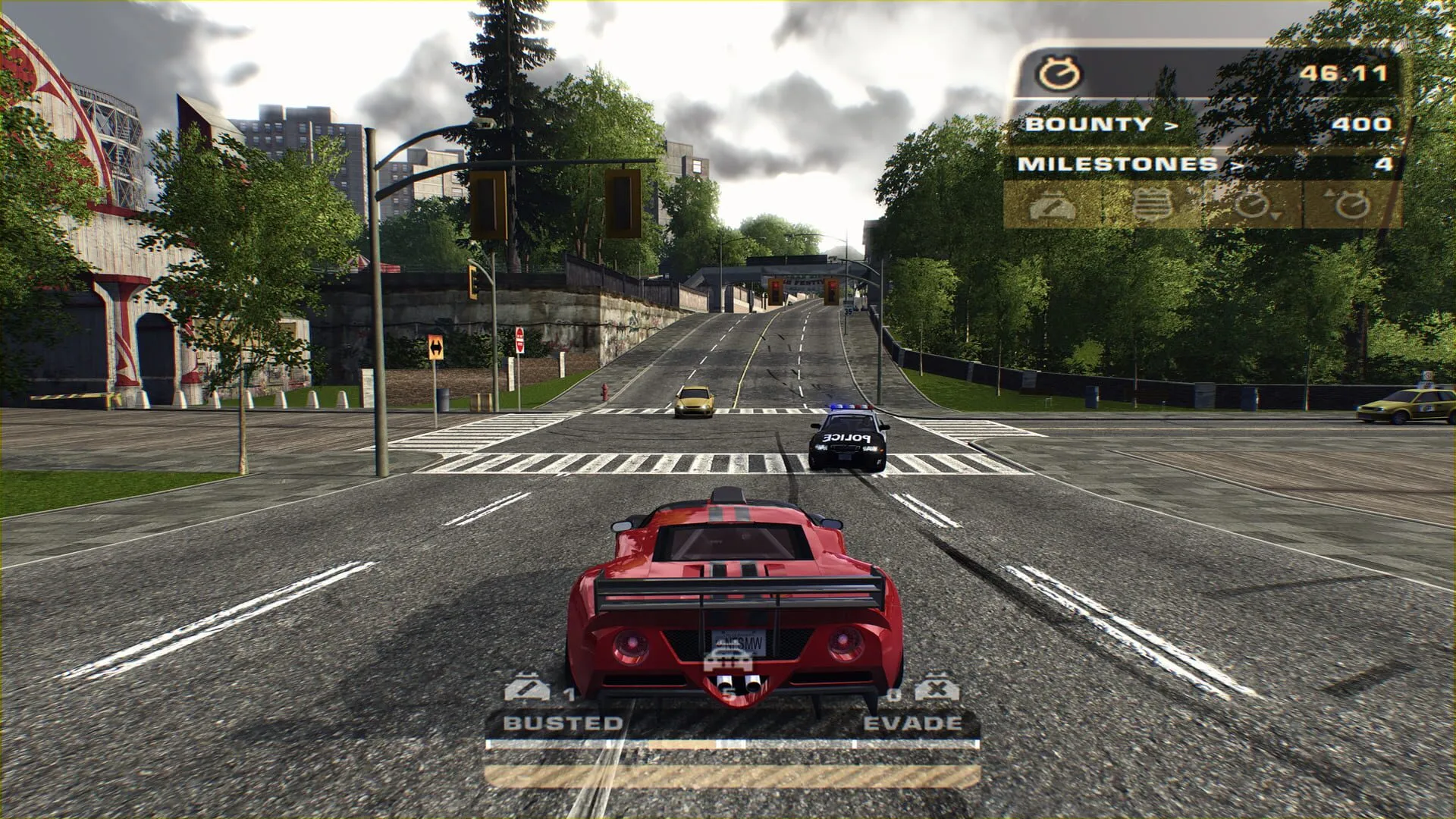
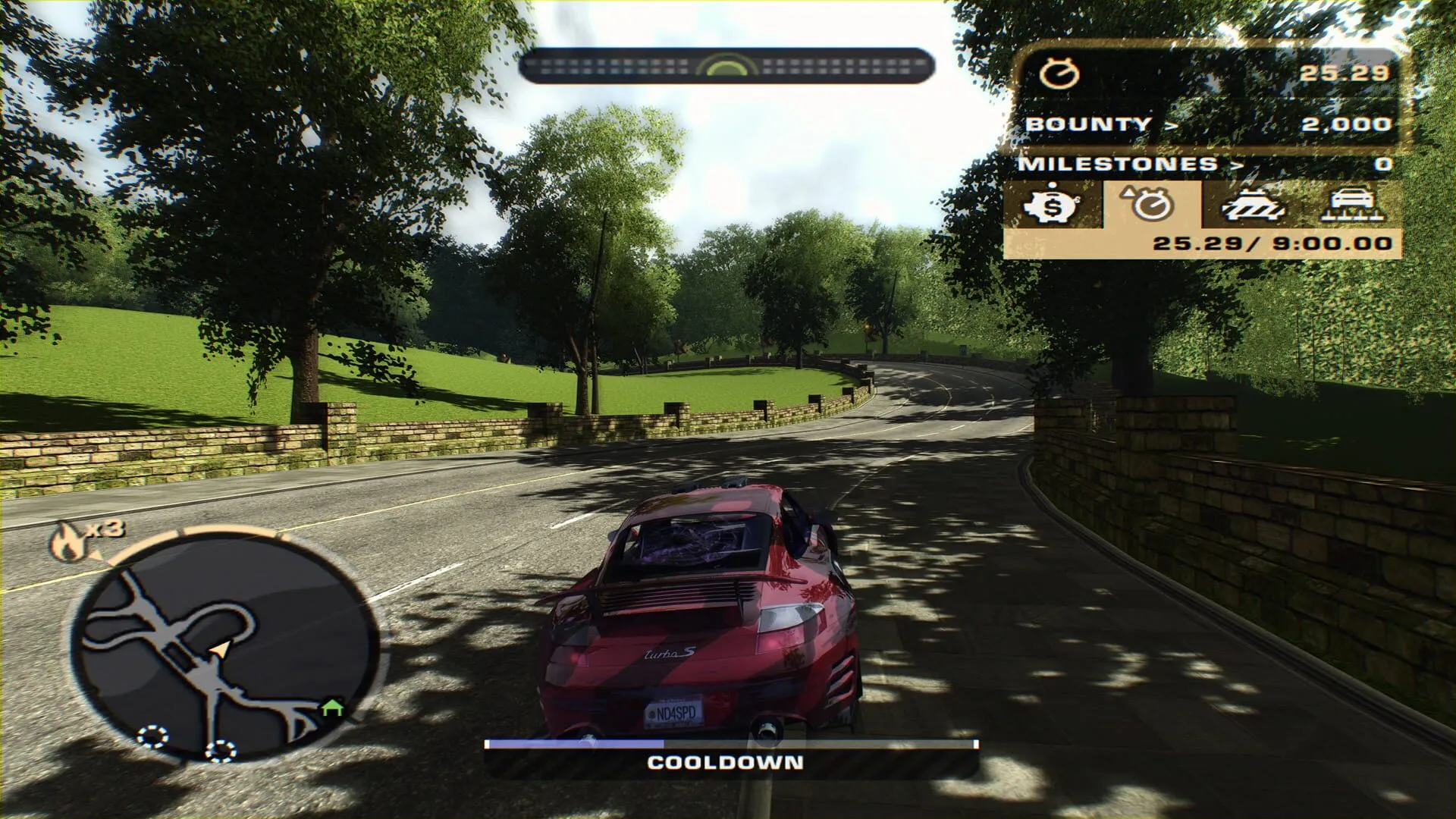
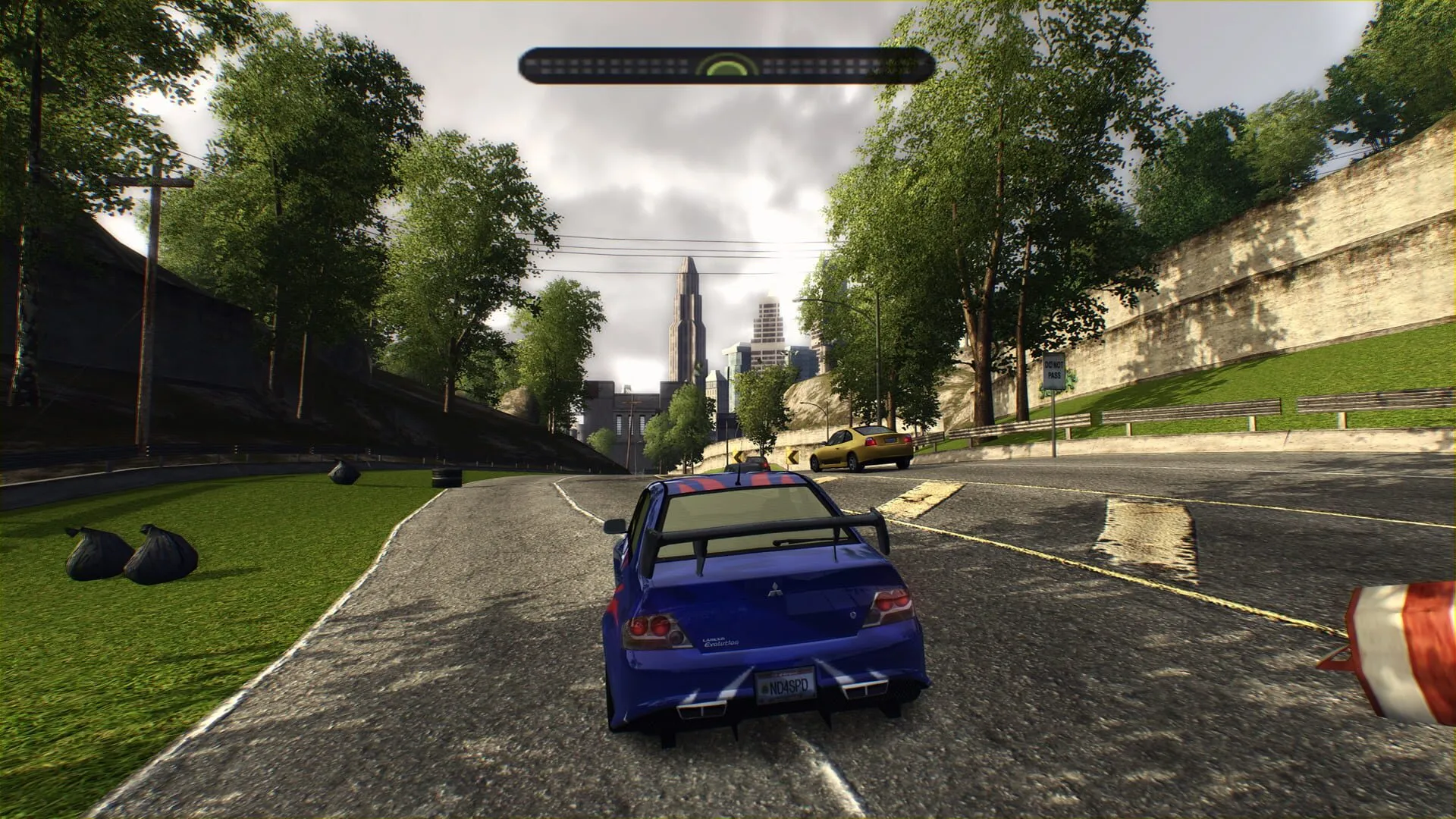
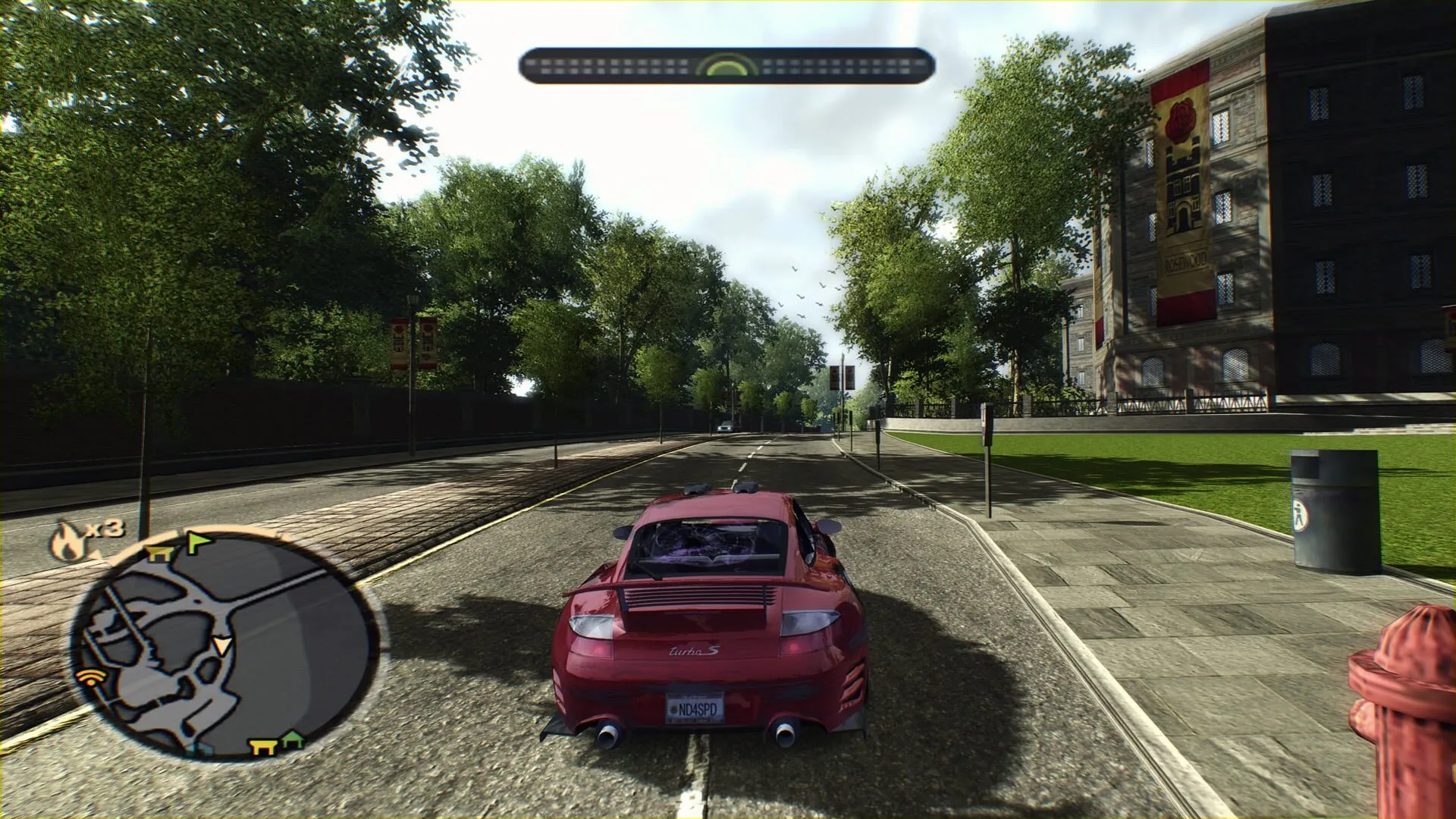
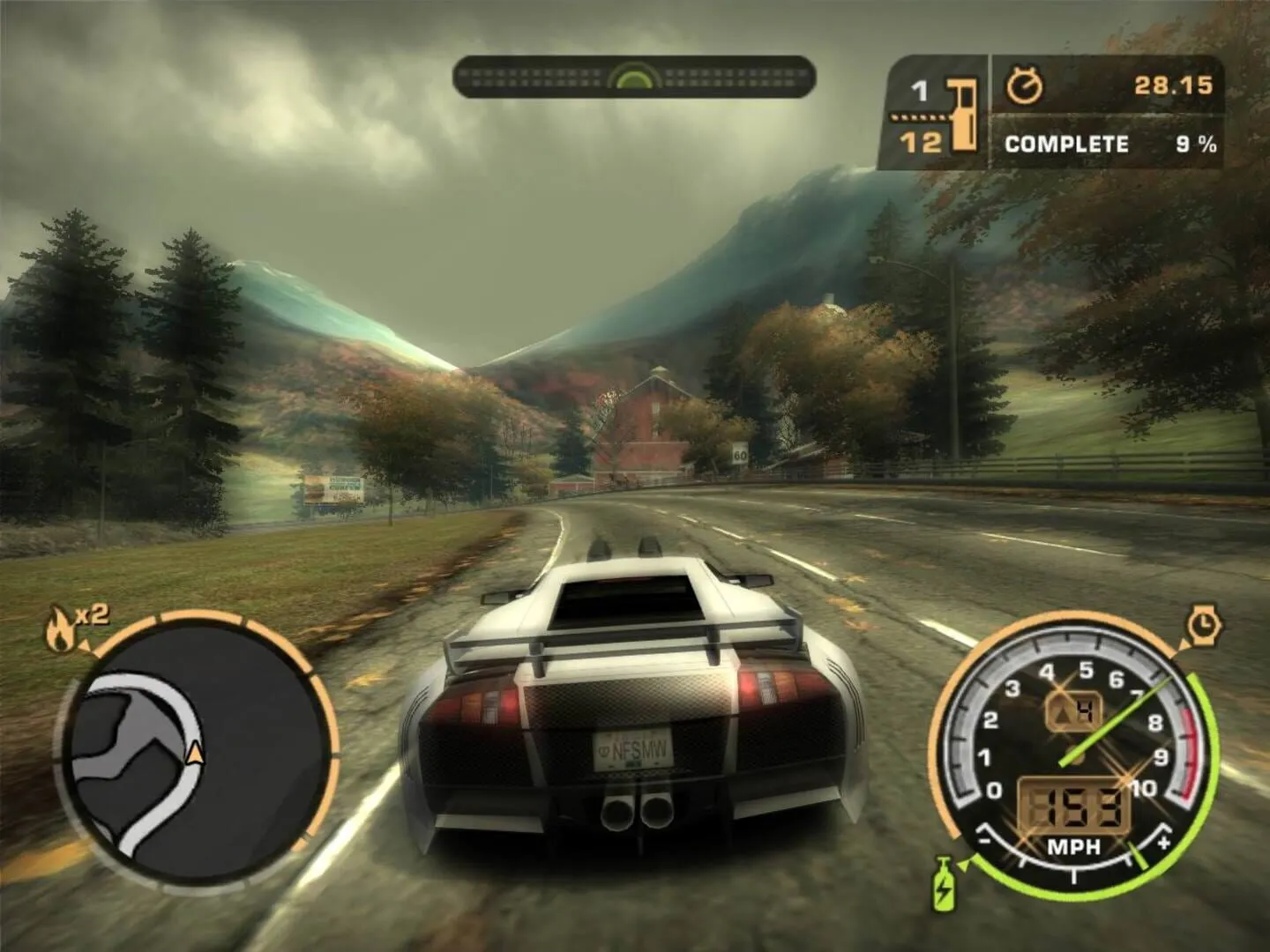
Racing with your friends
Up to four racers take part in one race, and every race goes through our server, so there is nothing to set up.
Start a voice party in the launcher before you race: it keeps talking while the game is in front, and your friends join it with one click.
On the Steam Deck
NFS Most Wanted runs on the Steam Deck through Proton, online races included. The launcher can add it to your Steam library, so it starts straight from Game Mode.
Other Linux PCs use the same Proton. We test on the Steam Deck.
The controller
The launcher sets a modern layout: right trigger for gas, left trigger for the brake, B for nitrous and Y for the camera. With a save from before, press Options, Controls, Restore Defaults once to get it.
Every racer runs the game at the same 60 frames per second, so races are fair.
Questions
Yes. The launcher, your account, the game download and the server are free.
Yes. It runs through Proton, online races included, and it can start from your Steam library in Game Mode.
No. Choose its folder in the launcher instead. Online play needs the exact version we tested, and the launcher checks it for you.
That screen comes from an older launcher. Let it update: it updates itself in the background and asks before it restarts. Then press Play again and the launcher downloads the game for you.
Yes. Choose "Keep the existing save" and you race with the cars and progress you already have. "Fresh career" starts a new one beside it without deleting yours.
Up to four in one race.
Your ExA Cup username. The launcher signs you in with it, so nobody types a name or a password.
More guides
- NFS Most Wanted · 6 steps
How to play NFS Most Wanted multiplayer with friends
Get your friends into the same NFS Most Wanted (2005) race: everyone installs the free ExA Cup launcher, you start a voice party, then one of you creates a race lobby and the others join it.
Read the guide - NFS Most Wanted · 6 steps
How to play NFS Most Wanted (2005) on the Steam Deck
Run NFS Most Wanted (2005) on the Steam Deck, online races included: install the free ExA Cup launcher in Desktop Mode, download the game, add it to your Steam library and start it from Game Mode with the controller.
Read the guide - NFS Most Wanted · 4 steps
How to play NFS Most Wanted free roam online
Drive the open city of NFS Most Wanted (2005) with other players: make a free roam session or join one in the ExA Cup launcher, invite your friends and press Play to start right in it.
Read the guide
Ready to play?
Get the free ExA Cup launcher, sign in and press Play. Your friends join your voice party with one click.