How to join a DayZ server with your friends (the mods install themselves)
Join ExA Cup's DayZ servers in one click: the launcher finds your DayZ, downloads the server's mods for you and starts the game already connected, with a free voice party for your squad.


Step by step
- 1Step 1
Install the launcher and sign in
Download the ExA Cup launcher from exacup.com, install it and sign in with your free ExA Cup account.
- 2Step 2
Pick a DayZ server
Choose DayZ in the game list. Each server's card shows the players online, the map, the region and how many mods it runs. Press Play on the one you want.
- 3Step 3
The launcher finds your game
For the ordinary servers, a Steam copy of DayZ is found automatically, and any other copy works by choosing its folder. A server marked "ExA Cup build only" plays with our own build of DayZ instead: the launcher downloads it for you (below).
- 4Step 4
The mods come by themselves
The launcher compares your mods with the server's and says how much is missing. Files you already have from Steam Workshop are copied, not downloaded again, and the rest downloads. You can pause and come back tomorrow.
- 5Step 5
Play
DayZ starts and connects straight to the server, under your ExA Cup username.
- 6Step 6
Bring your squad
Start a voice party in the launcher and invite your friends with one click; it keeps talking while you play.
In the game


No Workshop hunting
The launcher installs the mods into its own folder inside your DayZ install, so a Steam update never overwrites the version the server wants.
Servers marked "ExA Cup build only" play with our own build of DayZ. The launcher downloads and installs it for you, in its own ExA Cup Games folder, never inside Steam's.
Security checks
Some ExA Cup servers record gameplay for security checks against cheating. The launcher tells you before you join such a server and asks you once.
Questions
No. The launcher brings the server's exact mods itself, and reuses the ones you already have.
The EU1 server takes players only through the launcher, so always press Play there. The launcher connects you to the right address.
Your ExA Cup username, the same on the server and in the player list. You change it on exacup.com.
The launcher, your account and our servers are free.
No. Downloads resume from where they stopped, even after you close the launcher.
More guides

 NFS Most Wanted · 4 steps
How to play NFS Most Wanted (2005) online in 2026
EA switched off Need for Speed: Most Wanted's online play in 2011. On ExA Cup it is back: get the free launcher, sign in, download the game and race your friends on our server, on Windows or on the Steam Deck.
Read the guide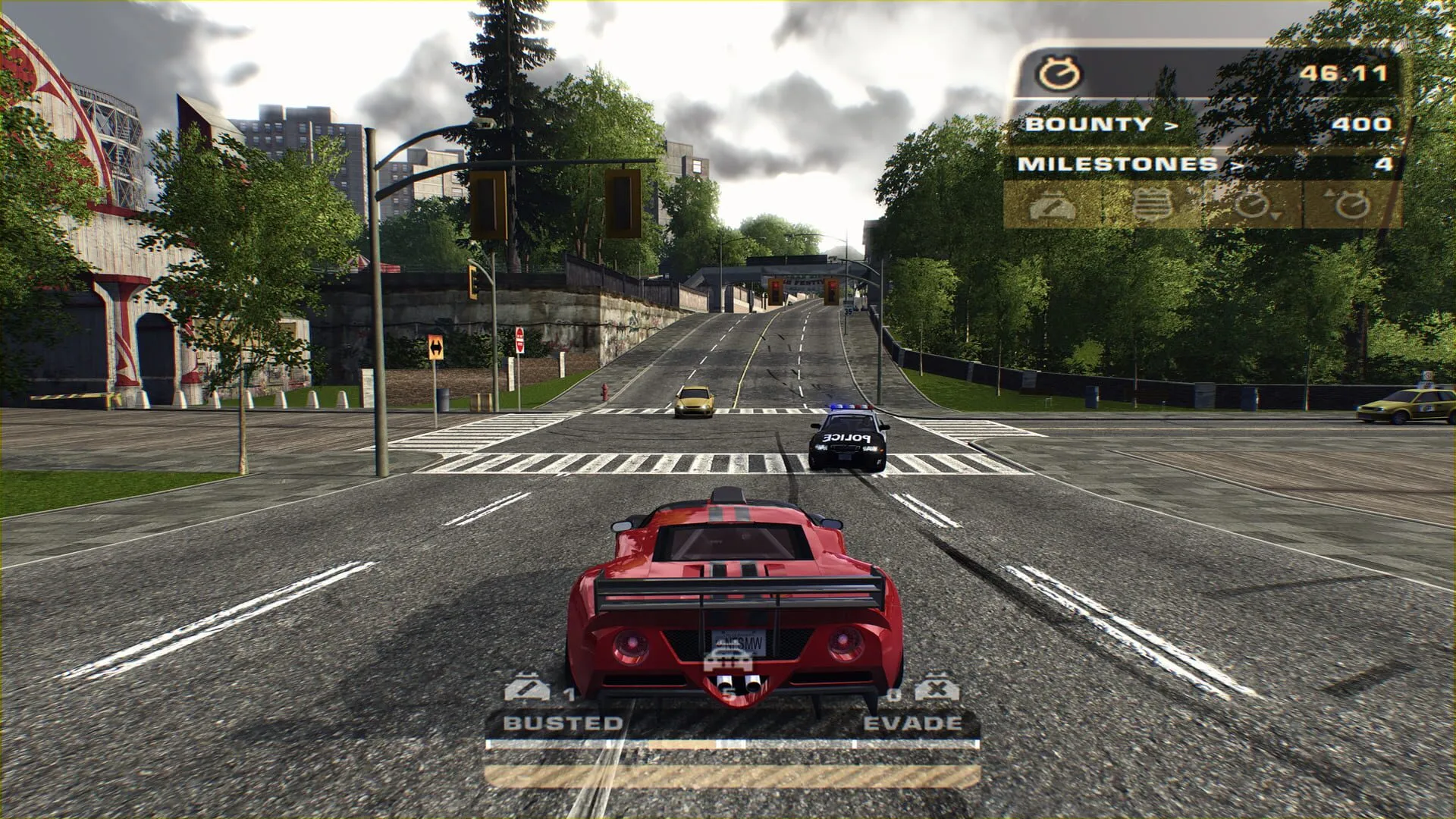 NFS Most Wanted · 6 steps
How to play NFS Most Wanted multiplayer with friends
Get your friends into the same NFS Most Wanted (2005) race: everyone installs the free ExA Cup launcher, you start a voice party, then one of you creates a race lobby and the others join it.
Read the guide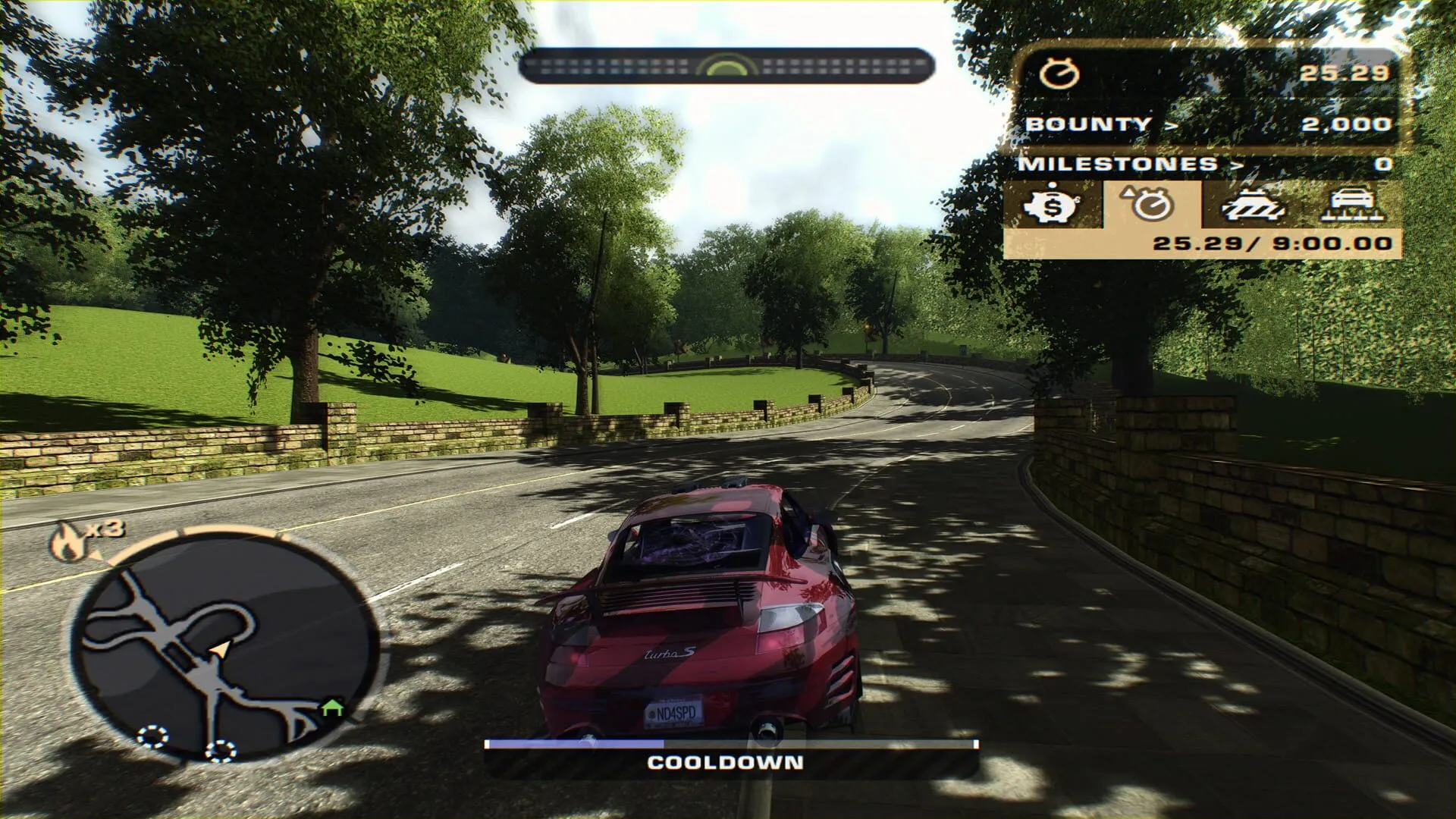 NFS Most Wanted · 6 steps
How to play NFS Most Wanted (2005) on the Steam Deck
Run NFS Most Wanted (2005) on the Steam Deck, online races included: install the free ExA Cup launcher in Desktop Mode, download the game, add it to your Steam library and start it from Game Mode with the controller.
Read the guide
Ready to play?
Get the free ExA Cup launcher, sign in and press Play. Your friends join your voice party with one click.