How to join ExA Cup's Rust server with your squad
ExA Cup runs its own 2x gather Rust server. Here is how to join it in one click from the free ExA Cup launcher and talk with your squad in a free voice party while you play.


Step by step
- 1Step 1
Install the launcher and sign in
Download the ExA Cup launcher from exacup.com, install it and sign in with your free ExA Cup account.
- 2Step 2
Press Play on the Rust server
Choose Rust in the game list and press Play on ExA Cup Rust EU1.
- 3Step 3
Steam starts Rust
The launcher hands Steam the server, and Rust starts and connects you.
- 4Step 4
If Steam did not open
Open Rust yourself, press F1 for the console and type client.connect followed by the server's address, which the launcher shows you.
- 5Step 5
Talk with your squad
Start a voice party in the launcher and invite your friends with one click. It keeps working while Rust is in front.
In the game


About the server
Gathering is doubled (2x) and the server runs its own loot tables. Everything runs on the server's side: you install nothing extra.
Because of the 2x rates, Rust lists it in the Modded tab of its server browser. The server updates itself soon after every Rust update, so it stays on the current version.
Questions
Yes. Gathering is doubled.
Under Modded, because of its rates. The launcher's Play button is quicker: it connects you directly.
No. The server's plugins run on the server; your Rust stays as Steam installed it.
The launcher, your account and the server are free. You need Rust on Steam.
More guides

 NFS Most Wanted · 4 steps
How to play NFS Most Wanted (2005) online in 2026
EA switched off Need for Speed: Most Wanted's online play in 2011. On ExA Cup it is back: get the free launcher, sign in, download the game and race your friends on our server, on Windows or on the Steam Deck.
Read the guide NFS Most Wanted · 6 steps
How to play NFS Most Wanted multiplayer with friends
Get your friends into the same NFS Most Wanted (2005) race: everyone installs the free ExA Cup launcher, you start a voice party, then one of you creates a race lobby and the others join it.
Read the guide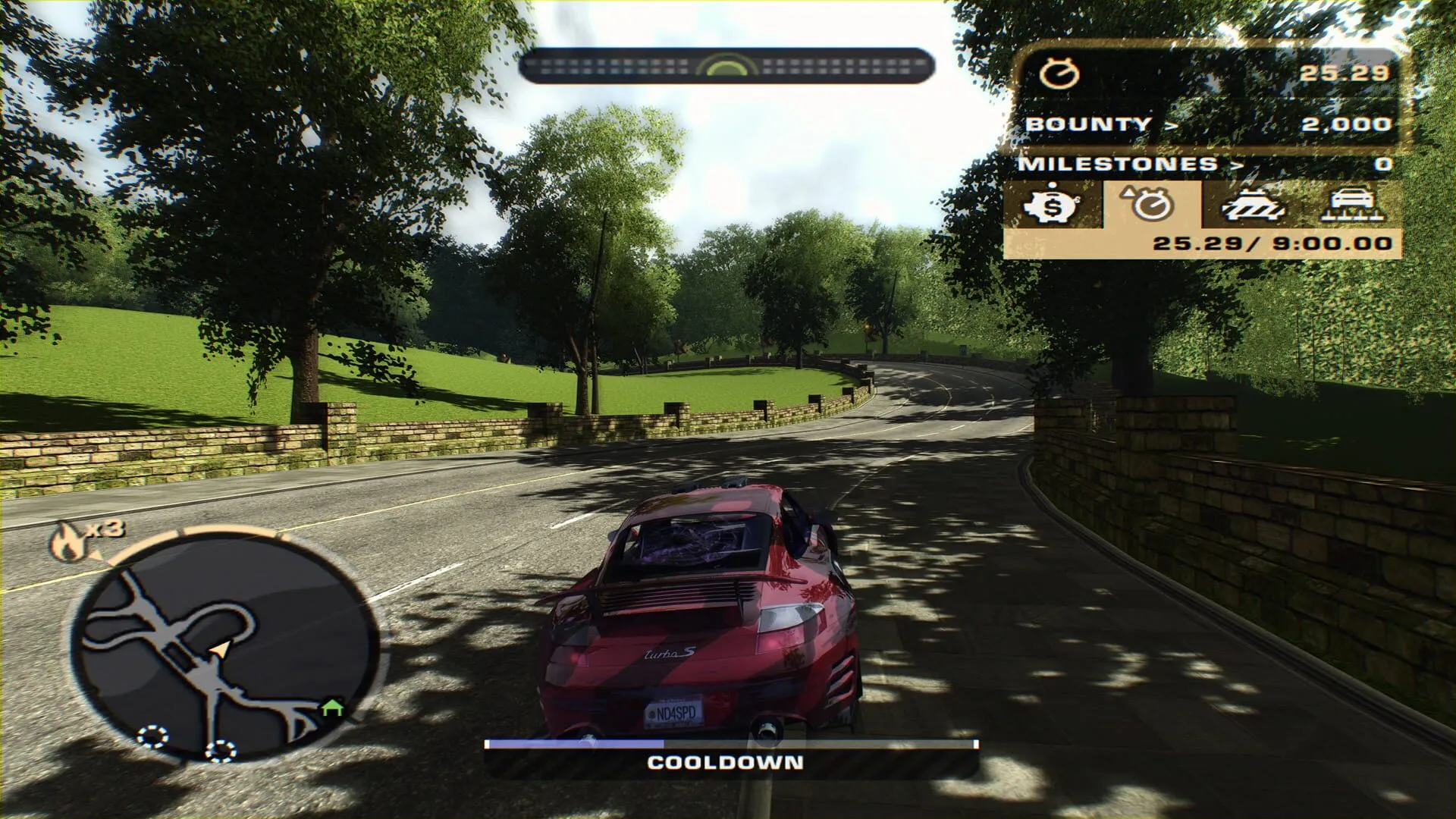 NFS Most Wanted · 6 steps
How to play NFS Most Wanted (2005) on the Steam Deck
Run NFS Most Wanted (2005) on the Steam Deck, online races included: install the free ExA Cup launcher in Desktop Mode, download the game, add it to your Steam library and start it from Game Mode with the controller.
Read the guide
Ready to play?
Get the free ExA Cup launcher, sign in and press Play. Your friends join your voice party with one click.