How to play NFS Most Wanted free roam online
Drive the open city of NFS Most Wanted (2005) with other players: make a free roam session or join one in the ExA Cup launcher, invite your friends and press Play to start right in it.
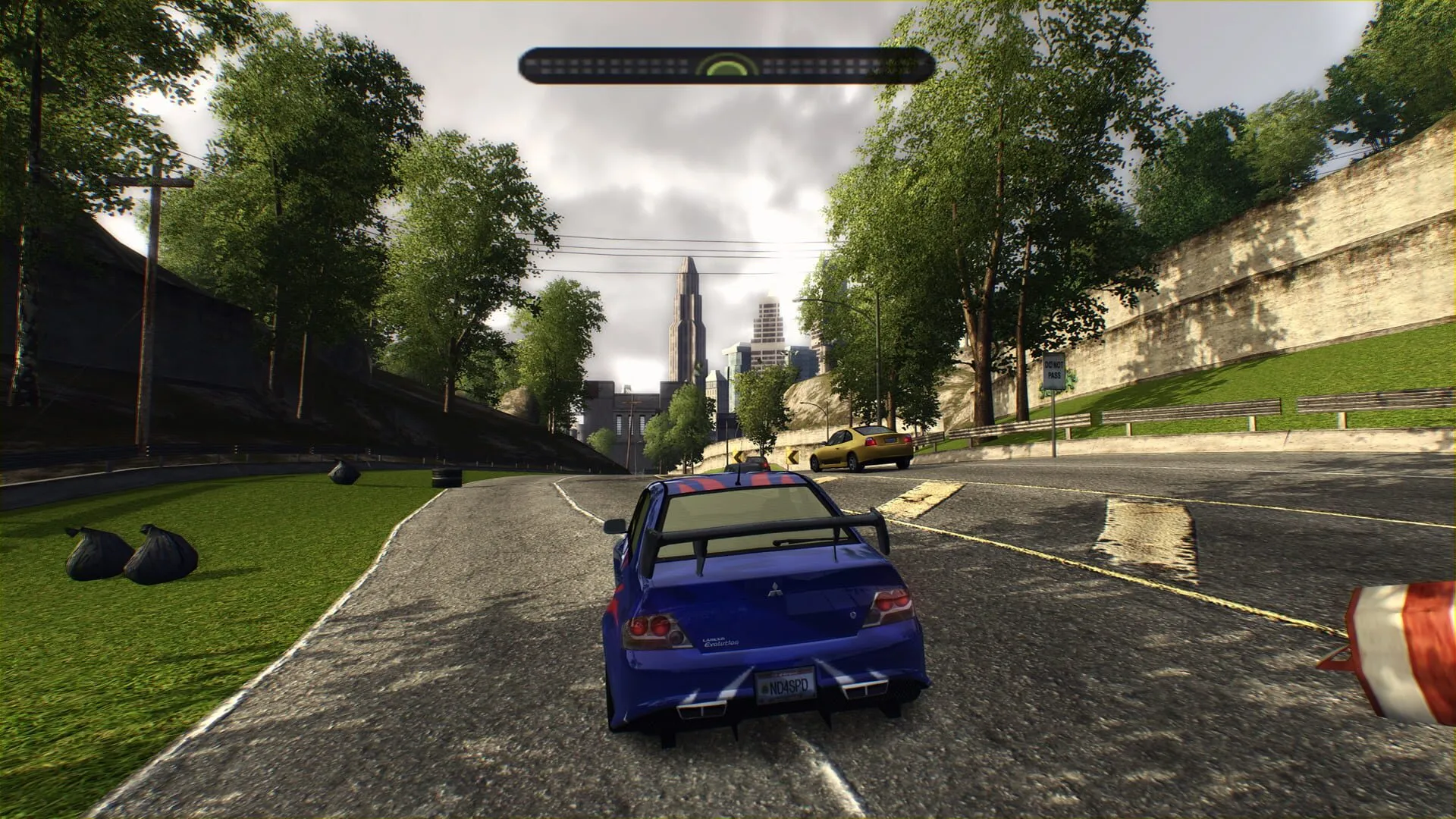

Step by step
- 1Step 1
Open the Free roam tab
In the launcher, open NFS Most Wanted and choose the Free roam tab. The first time, a short guide shows how it works.
- 2Step 2
Make a session or join one
Press Create a session to make your own, pick one from the list, or press Join with a code and type the six-character code a friend gives you. Without a session you drive in Rockport, the open city everyone shares.
- 3Step 3
Invite your friends
In your session, press Invite friends, or read out its code. An invite reaches your friend as a notification in the launcher, with a Join button. While you are in a session, your friends list offers Invite to free roam too.
- 4Step 4
Press Play
The game starts you right in your session, together with your friends. On a Steam Deck, choose the session in the launcher before you press Play.
In the game
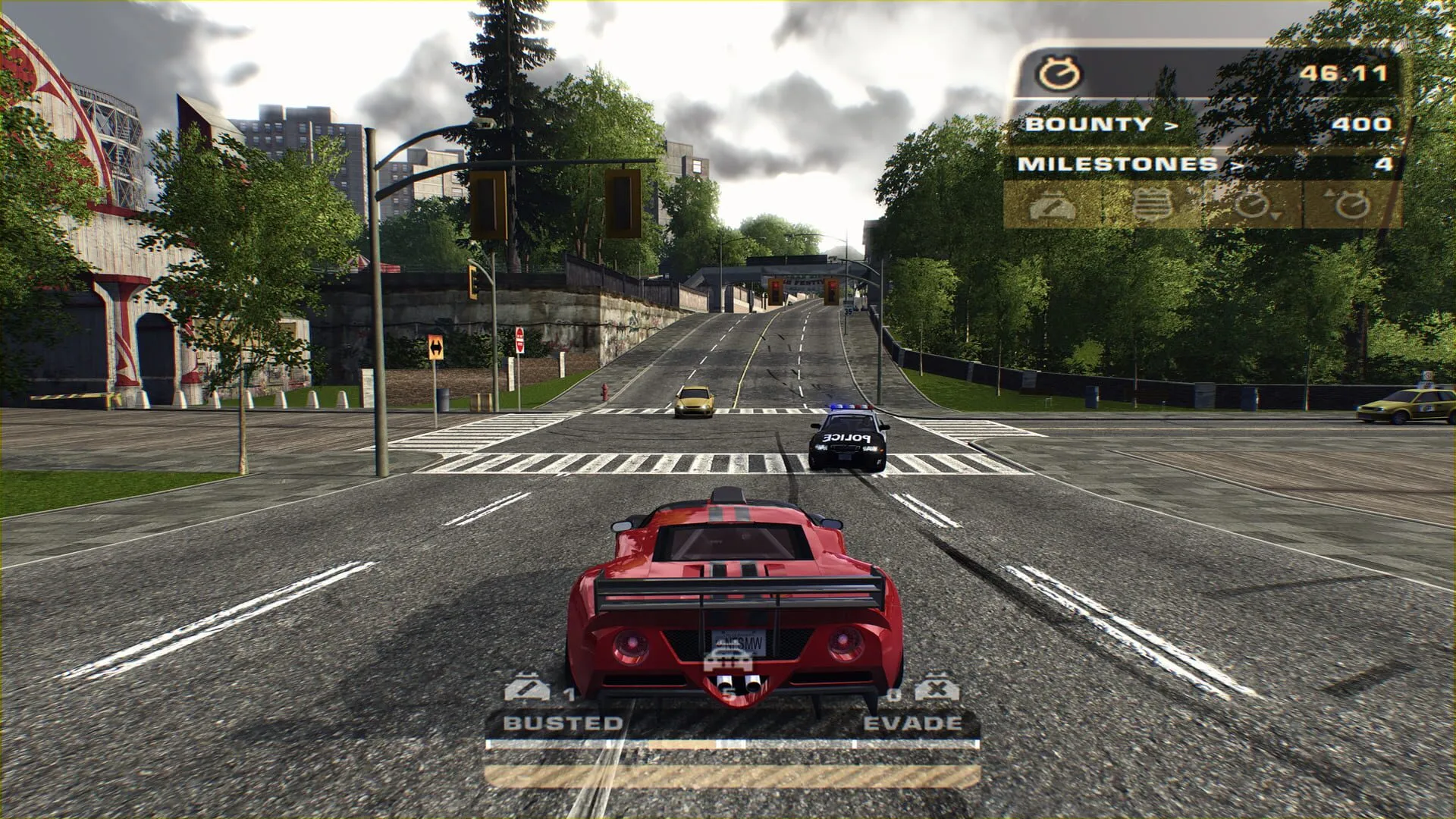
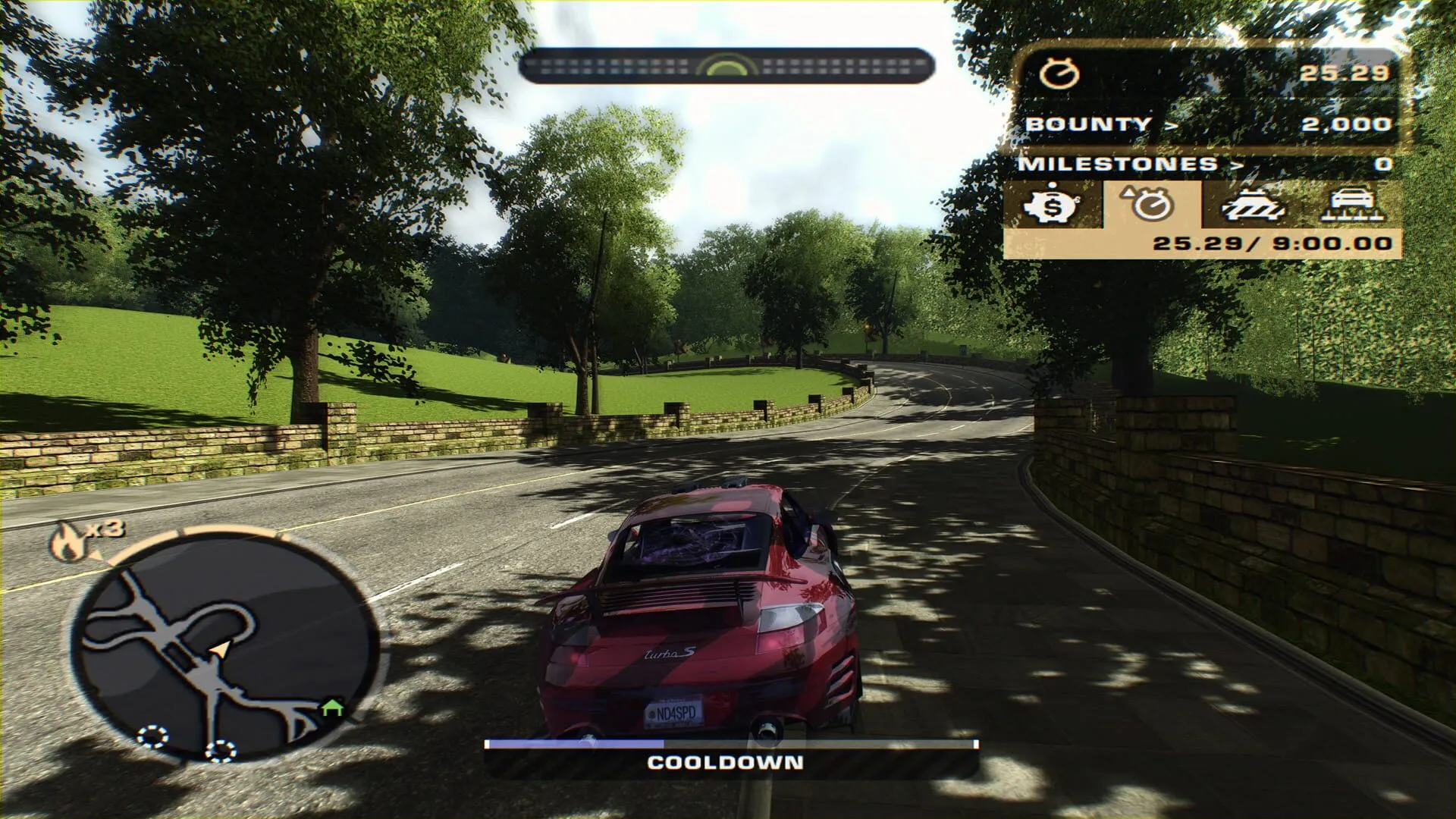
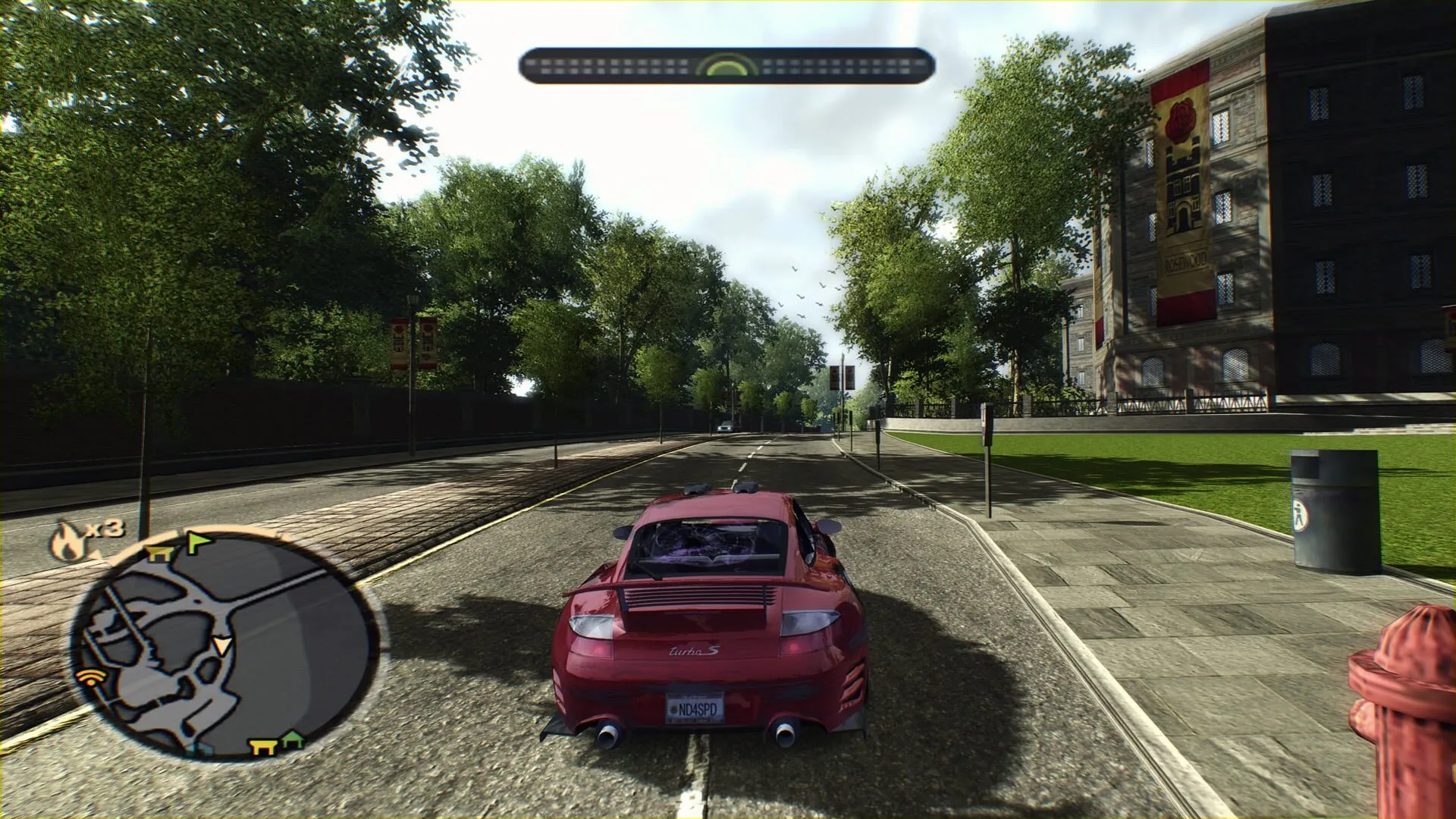
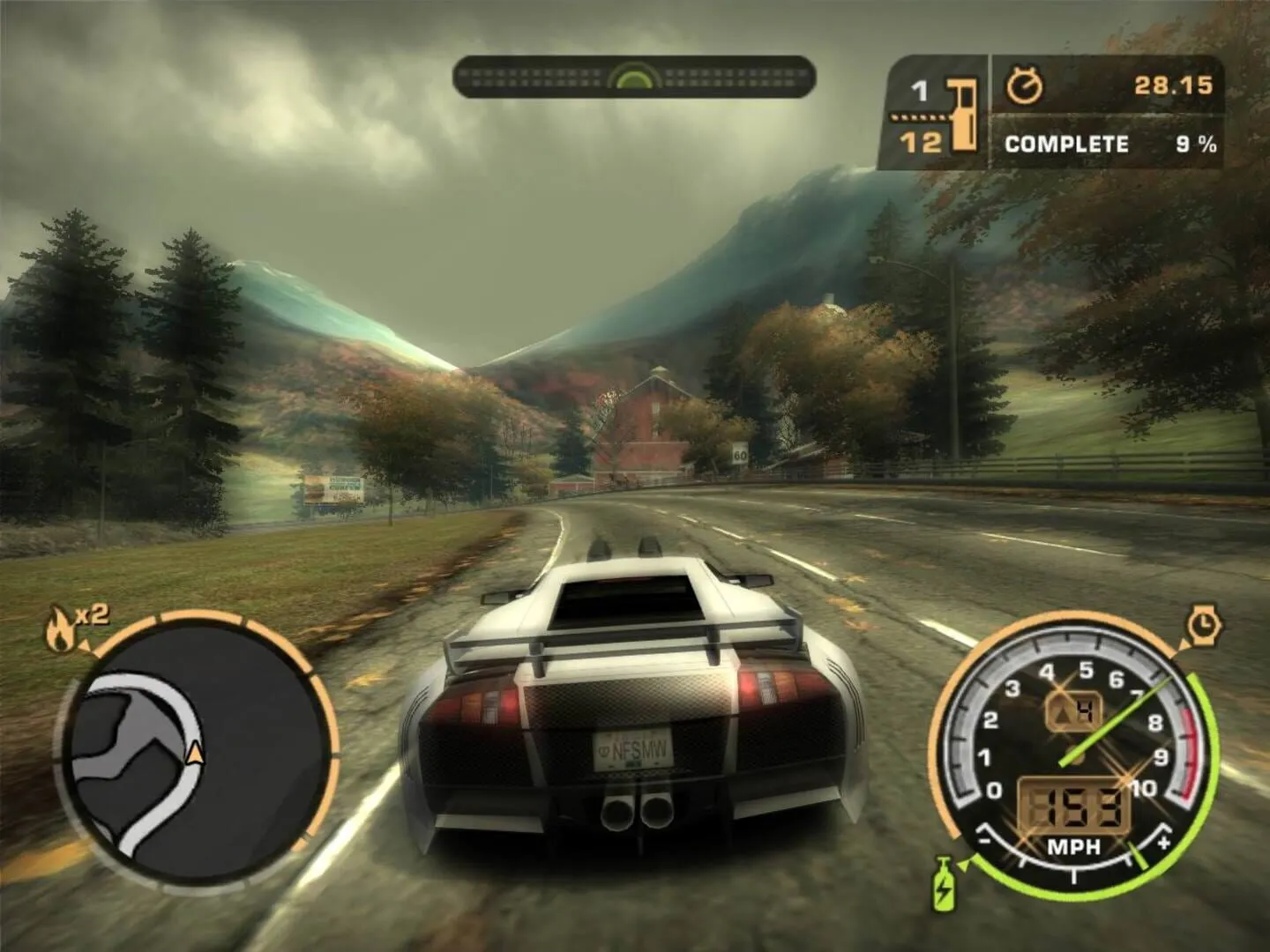
Your session, your rules
A session you make is yours: you choose who comes in, invite your friends and close it when you are done.
Your friends show on the minimap when they are near you, so you can find each other in the city.
Racing and free roam
Free roam is for driving the city together. For races, choose Online in the game as usual: up to four racers take part in one race.
Questions
Yes. The launcher, your account, the game download and the server are free.
No. Without one you drive in Rockport, the open city everyone shares. A session is for driving with the people you choose.
Press Invite friends in your session, or give them its six-character code to use with Join with a code.
In the launcher: the invite arrives as a notification with a Join button.
Yes. Choose your session in the launcher before you press Play, and the game starts you in it.
More guides
 NFS Most Wanted · 4 steps
How to play NFS Most Wanted (2005) online in 2026
EA switched off Need for Speed: Most Wanted's online play in 2011. On ExA Cup it is back: get the free launcher, sign in, download the game and race your friends on our server, on Windows or on the Steam Deck.
Read the guide- NFS Most Wanted · 6 steps
How to play NFS Most Wanted multiplayer with friends
Get your friends into the same NFS Most Wanted (2005) race: everyone installs the free ExA Cup launcher, you start a voice party, then one of you creates a race lobby and the others join it.
Read the guide - NFS Most Wanted · 6 steps
How to play NFS Most Wanted (2005) on the Steam Deck
Run NFS Most Wanted (2005) on the Steam Deck, online races included: install the free ExA Cup launcher in Desktop Mode, download the game, add it to your Steam library and start it from Game Mode with the controller.
Read the guide
Ready to play?
Get the free ExA Cup launcher, sign in and press Play. Your friends join your voice party with one click.