How to play NFS Most Wanted (2005) on the Steam Deck
Run NFS Most Wanted (2005) on the Steam Deck, online races included: install the free ExA Cup launcher in Desktop Mode, download the game, add it to your Steam library and start it from Game Mode with the controller.
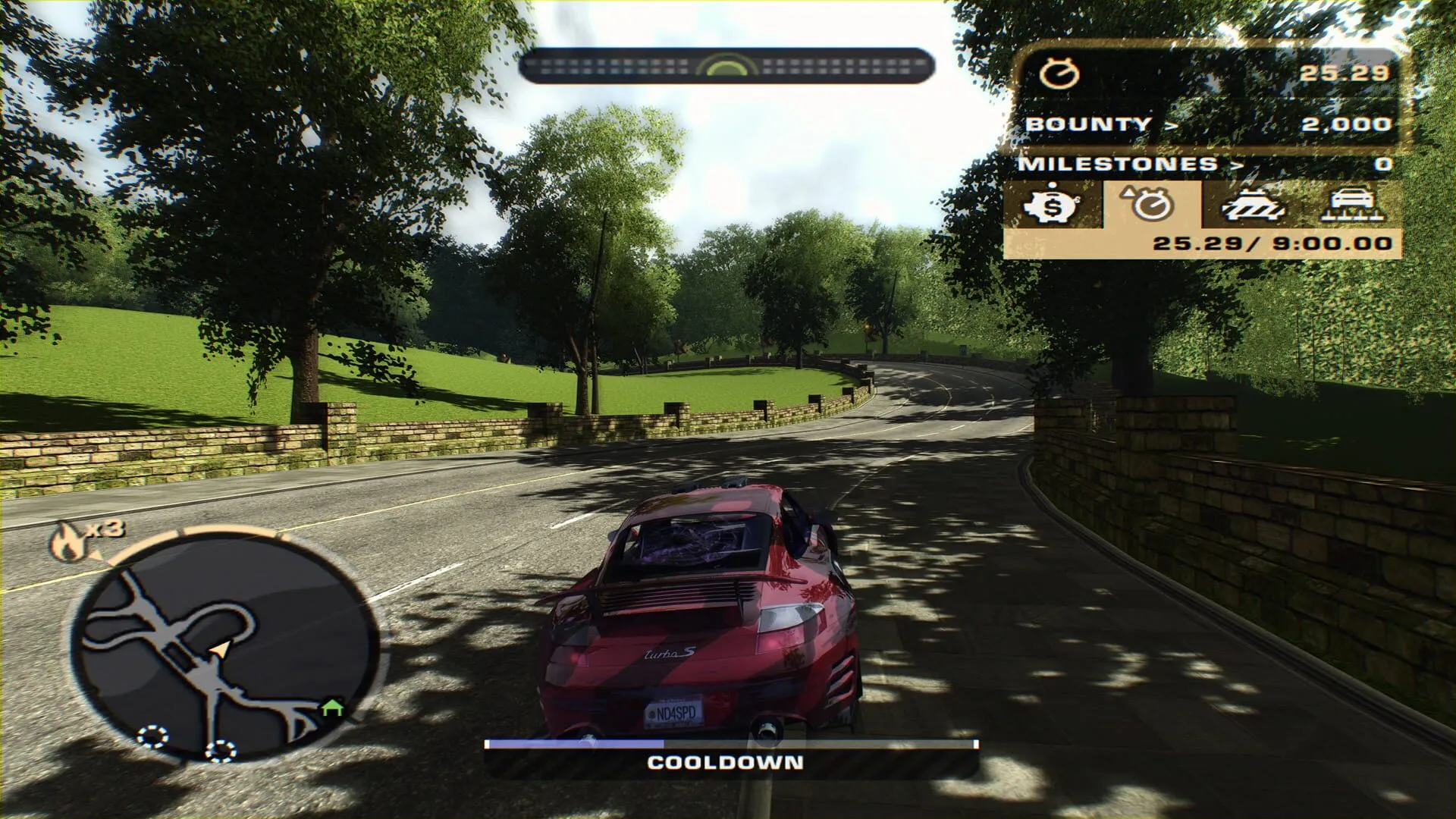

Step by step
- 1Step 1
Download the launcher in Desktop Mode
Switch the Steam Deck to Desktop Mode. On exacup.com, press Download for Linux. Right-click the file, open Properties, then Permissions, and allow it to run as a program.
- 2Step 2
Let the launcher install itself
Open the file. The first time, the launcher offers to install itself into your Applications folder, your app menu and Steam. Say yes.
- 3Step 3
Sign in and download the game
Sign in with your ExA Cup account, pick NFS Most Wanted and download it. The launcher installs the game by itself, with no installer to click through, and adds what online play needs.
- 4Step 4
Add the game to your Steam library
Use the launcher to add NFS Most Wanted to your Steam library, so the game has its own entry next to your other games.
- 5Step 5
Go back to Game Mode
Switch back to Game Mode. NFS Most Wanted is in your Steam library with your non-Steam games, and so is the launcher. Both work with the controller.
- 6Step 6
Start it and race
Start NFS Most Wanted: it opens the launcher and the game. If a save is already there, choose a fresh career or keep it. Then choose Online and race.
In the game
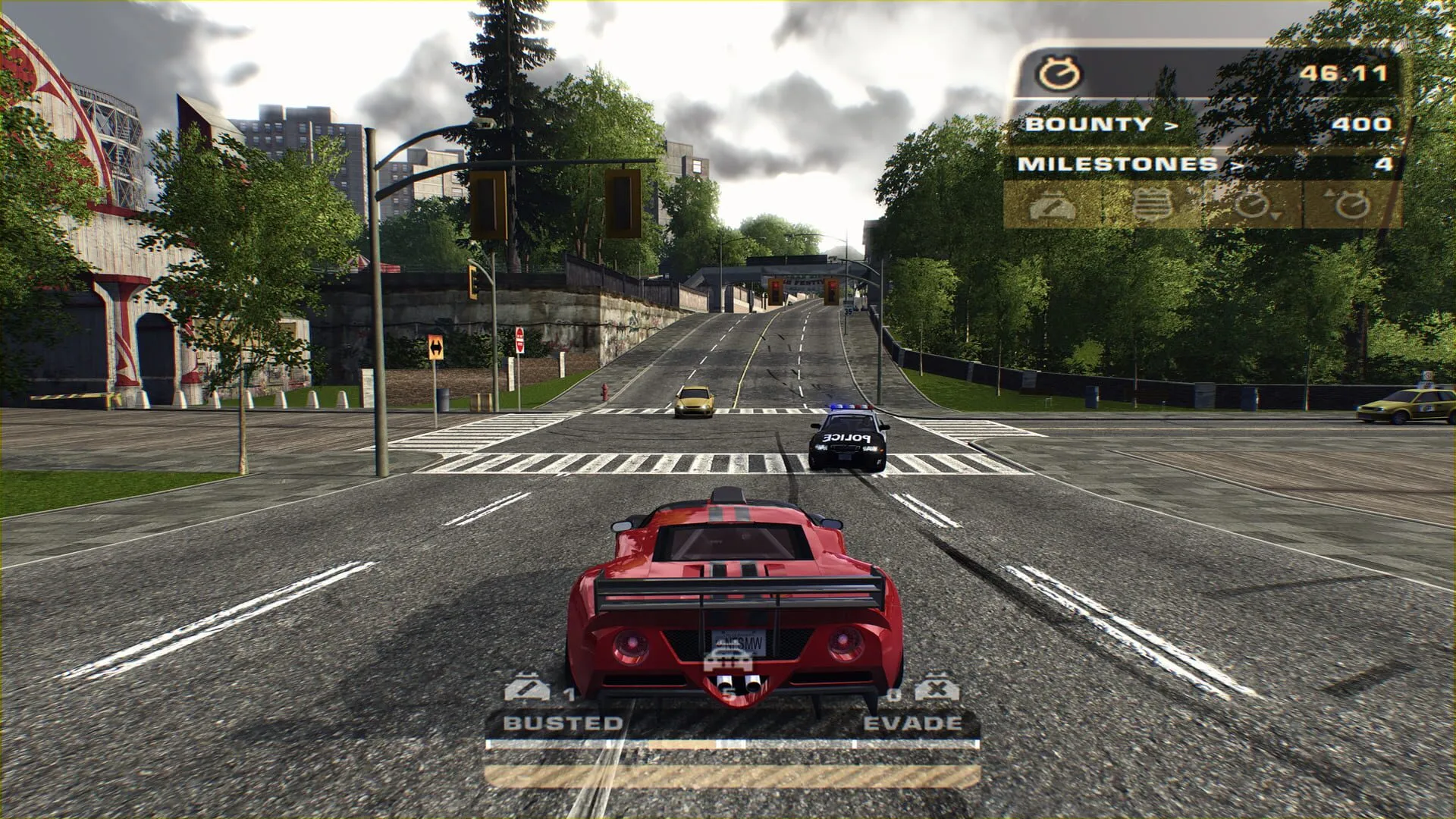
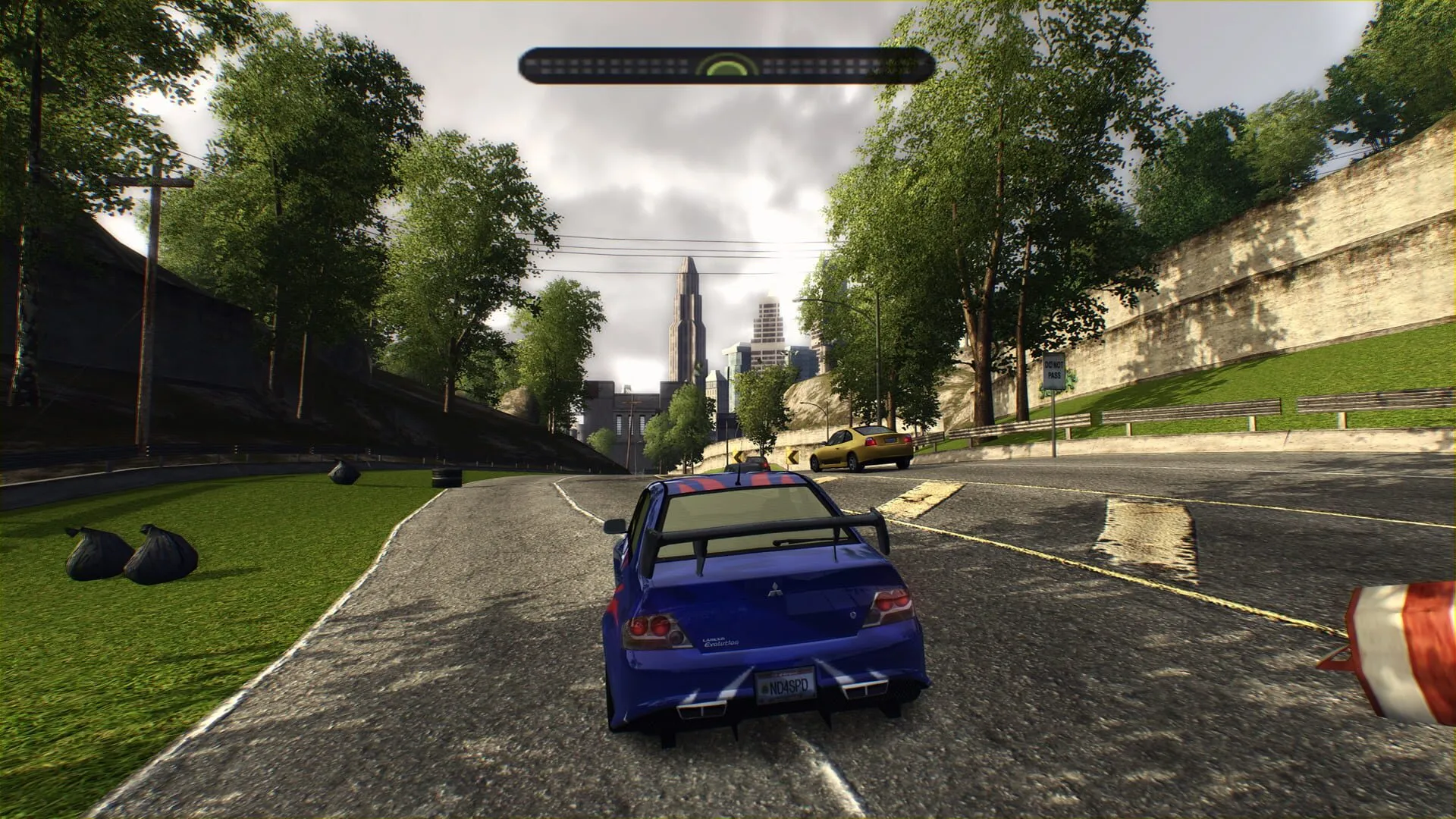
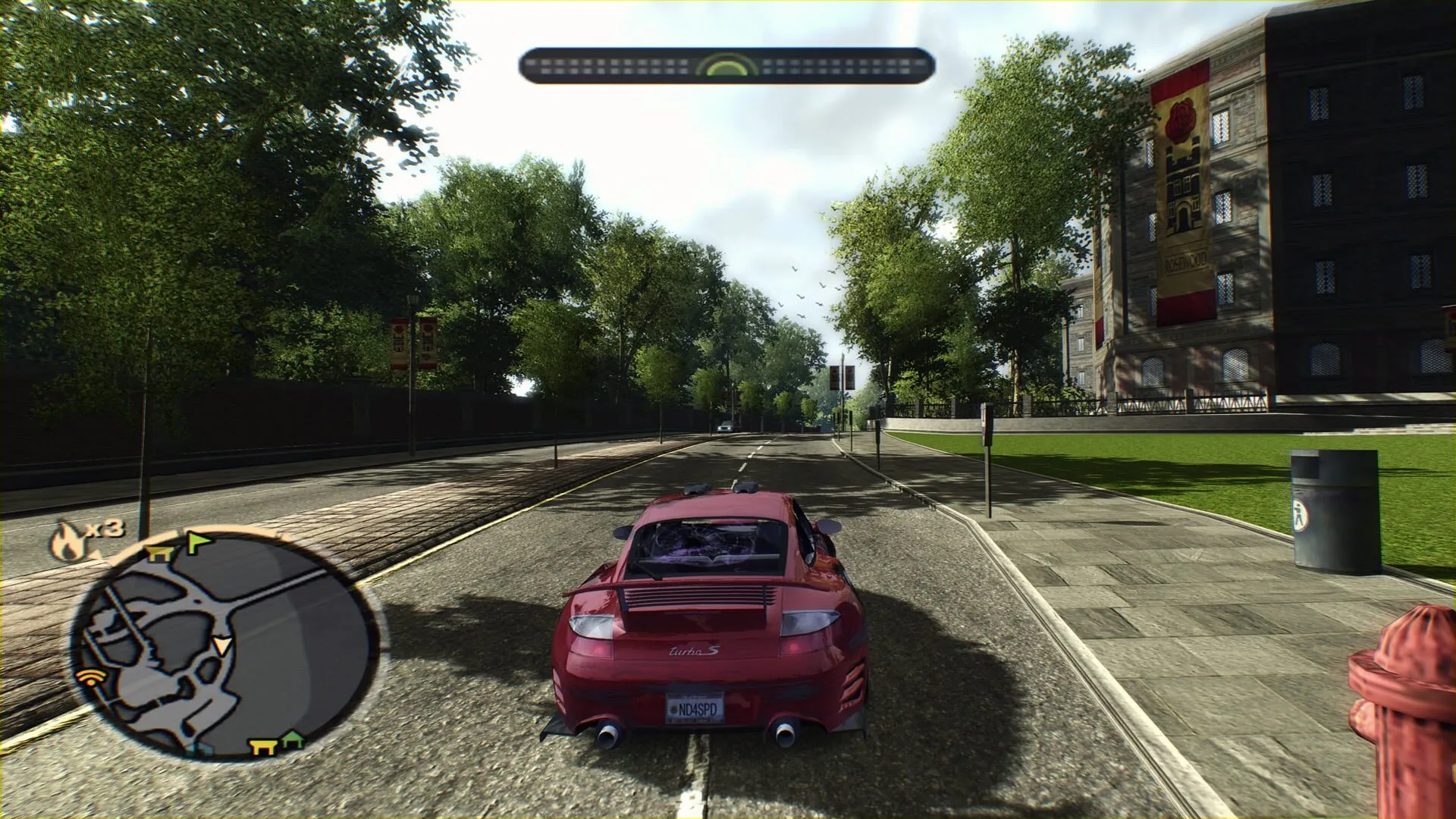
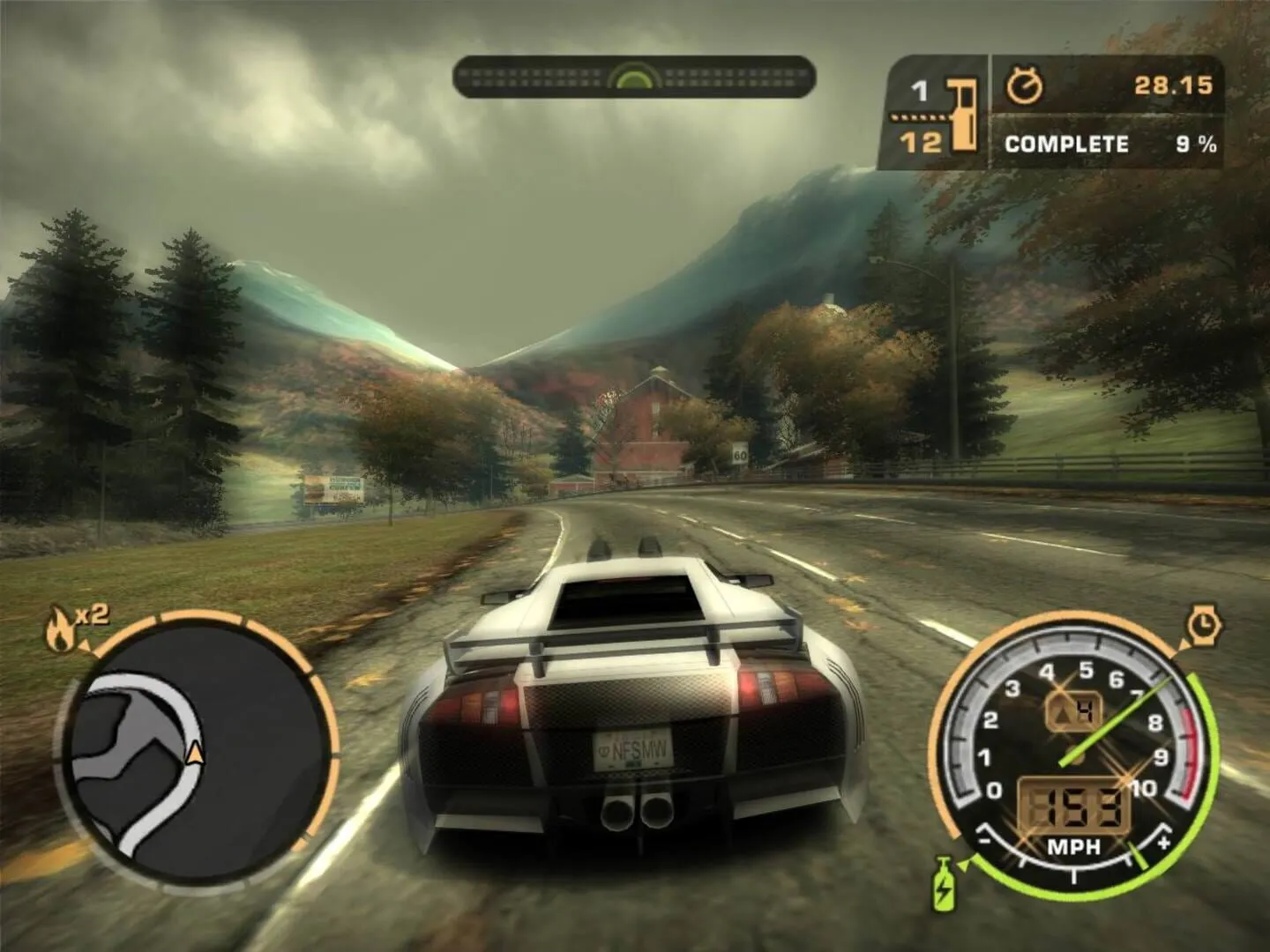
How it runs
NFS Most Wanted is a Windows game. On the Steam Deck it runs through Proton, and online races work. We tested this on the Steam Deck itself.
Other Linux PCs use the same Proton. We test on the Steam Deck.
The controller layout
The launcher sets a modern controller layout: right trigger for gas, left trigger for the brake, B for nitrous and Y for the camera.
With a save from before, press Options, Controls, Restore Defaults once to get the layout.
Questions
Yes. The game runs through Proton and online races work. We tested them on the Steam Deck.
Yes. The launcher can add NFS Most Wanted to your Steam library, and it starts from there with the controller.
Right trigger for gas, left trigger for the brake, B for nitrous and Y for the camera.
No. Choose its folder in the launcher. Online play needs the exact version we tested, and the launcher checks it for you.
More guides
 NFS Most Wanted · 4 steps
How to play NFS Most Wanted (2005) online in 2026
EA switched off Need for Speed: Most Wanted's online play in 2011. On ExA Cup it is back: get the free launcher, sign in, download the game and race your friends on our server, on Windows or on the Steam Deck.
Read the guide- NFS Most Wanted · 6 steps
How to play NFS Most Wanted multiplayer with friends
Get your friends into the same NFS Most Wanted (2005) race: everyone installs the free ExA Cup launcher, you start a voice party, then one of you creates a race lobby and the others join it.
Read the guide - NFS Most Wanted · 4 steps
How to play NFS Most Wanted free roam online
Drive the open city of NFS Most Wanted (2005) with other players: make a free roam session or join one in the ExA Cup launcher, invite your friends and press Play to start right in it.
Read the guide
Ready to play?
Get the free ExA Cup launcher, sign in and press Play. Your friends join your voice party with one click.