Free voice chat with your friends while you play
Start a voice party in the ExA Cup launcher, invite your friends with one click and talk over any game. Free, with no server to rent, and your voices are encrypted between your PCs.
Step by step
- 1Step 1
Start a party
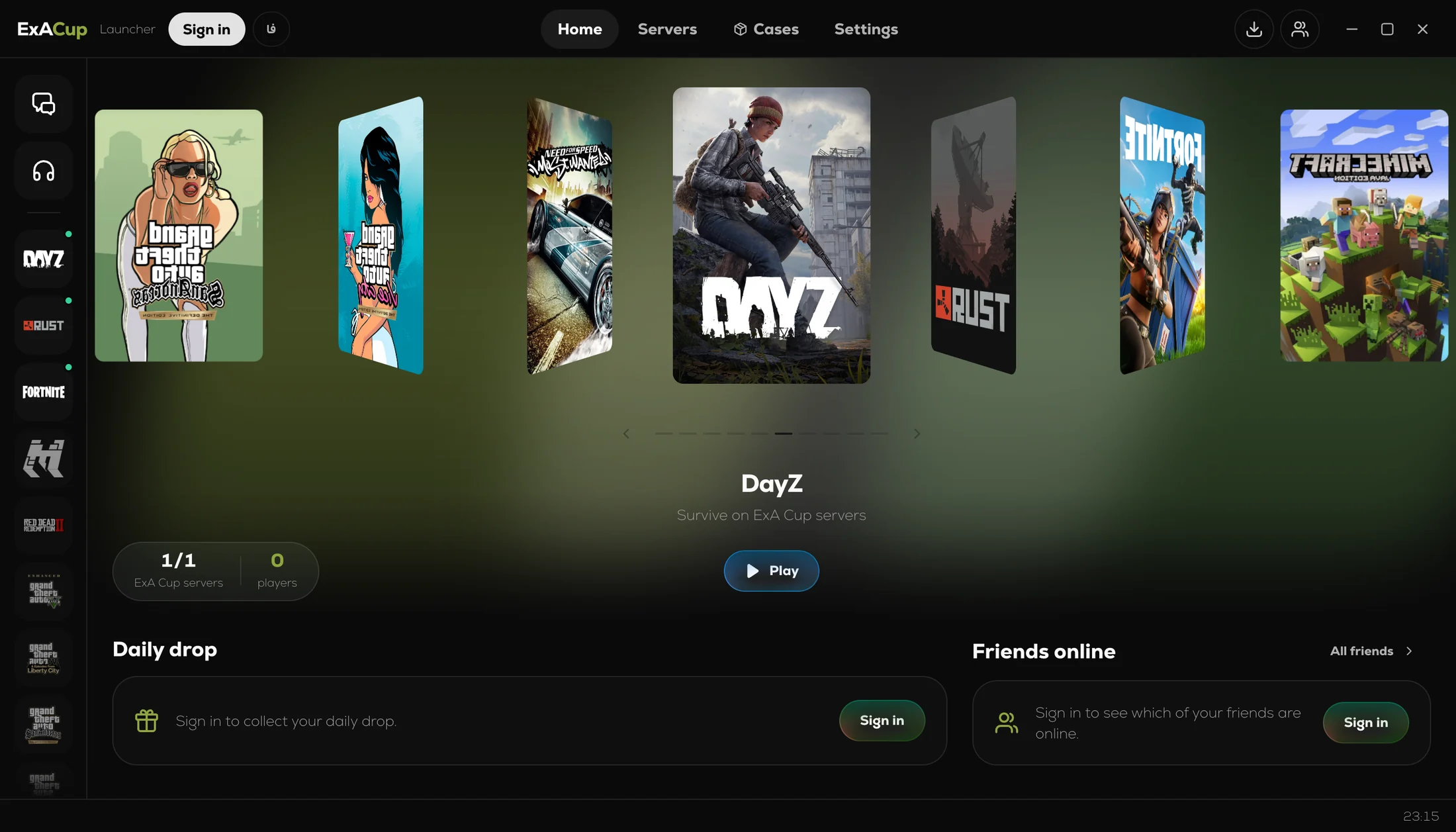
Press the headphones in the launcher's side rail and choose Start a party. Everyone in it has a tile that lights up while they talk.
- 2Step 2
Invite your friends
Press Invite next to a friend, or invite everyone in a chat at once. They get a card with a Join button and are in with one click.
- 3Step 3
Choose how you talk
Push to talk (V by default, and you can change the key), which works while your game is in front, or an open microphone. Pick your microphone and your speakers or headset under Settings, Voice, and try them with the mic test.
- 4Step 4
Play
Start your game. The party keeps talking while the game is in front, and a small card in the corner of the launcher shows who is in it and who is speaking.
Private by design
Your voices are encrypted between your PCs and go straight from PC to PC. When two of you cannot reach each other directly, another member of your party who reaches you both passes the voices along. Either way, no ExA Cup server carries your call.
Each friend's tile has a small shield. Press it and read the four emoji out loud: if your friend sees the same four, nobody sits in the middle of the connection between you two.
Questions
Yes. There is no server to rent and nothing to pay.
Up to eight.
Yes. That is what it is for: the party keeps talking while the game is in front, and push to talk works there too.
The free ExA Cup launcher and a free ExA Cup account.
No. It goes from PC to PC, encrypted, and the emoji check shows that nobody sits in the middle. One thing to know: on servers that record gameplay for security checks, those recordings include the party's voice.
More guides
- ExA Cup launcherExA Cup launcher · 5 steps
How to install the ExA Cup launcher on Windows
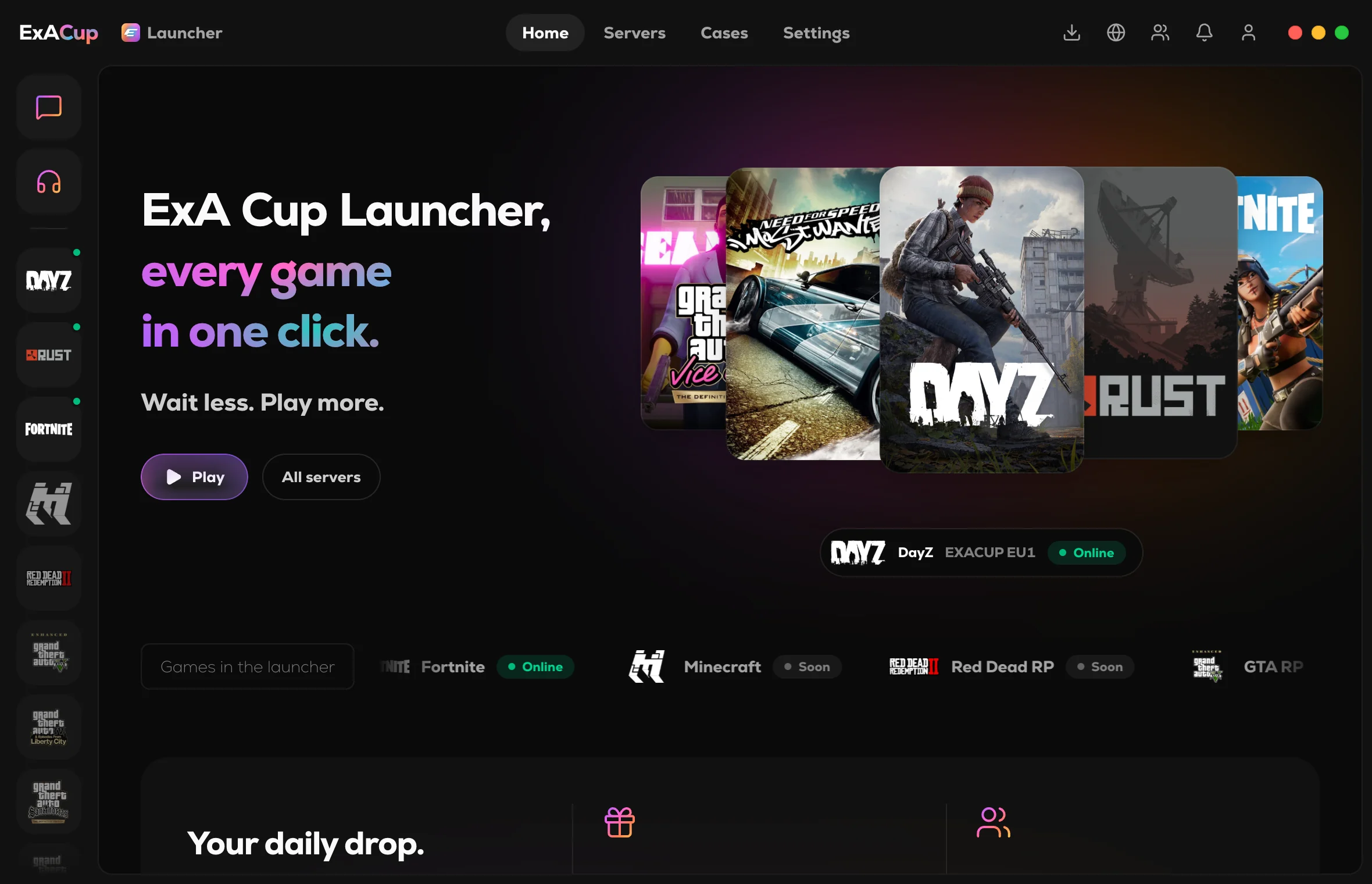
The ExA Cup launcher is a free Windows app that joins ExA Cup's game servers in one click, installs the files each game needs and has free voice parties and chat. Here is how to install it and sign in.
Read the guide - ExA Cup launcher
 ExA Cup launcher · 5 steps
How to install the ExA Cup launcher on Linux and the Steam Deck
The ExA Cup launcher runs on Linux, the Steam Deck included. Here is how to download it, let it install itself, add it to Steam and open it from Game Mode with your controller.
Read the guide - ExA Cup launcherExA Cup launcher · 5 steps
One game launcher for NFS Most Wanted, DayZ, Rust and OG Fortnite
The free ExA Cup launcher runs four games from one place: NFS Most Wanted (2005), DayZ, Rust and OG Fortnite Chapter 1 Season 3, with one account and one voice party for all of them. The launcher runs on Windows and Linux.
Read the guide
Ready to play?
Get the free ExA Cup launcher, sign in and press Play. Your friends join your voice party with one click.