How to join a Rust server by IP
Join any Rust server by its address with the in-game console: press F1 and type client.connect. Or skip the typing: the free ExA Cup launcher connects you to ExA Cup's Rust server with one click.


Step by step
- 1Step 1
Open Rust
Start Rust from Steam and wait for the main menu.
- 2Step 2
Open the console
Press F1. The console opens.
- 3Step 3
Type the connect command
Type client.connect, then a space, then the server's address, and press Enter. Rust connects you to that server.
- 4Step 4
Or use the launcher
For ExA Cup's server, skip the typing: install the launcher, sign in, choose Rust and press Play on ExA Cup Rust EU1. The launcher hands Steam the server, and Rust starts and connects.
In the game


The address
Use the address exactly as the server's owner gives it. A mistake in one character sends you nowhere, so copy it instead of retyping when you can.
For ExA Cup Rust EU1, the launcher shows you the address. You can type it after client.connect if Steam did not open.
The one-click way
With the launcher you never type an address: press Play and Rust connects. If Steam did not open, the console method above is the fallback.
ExA Cup Rust EU1 is a Europe server with a procedural map for up to 100 players. Its gathering is doubled (2x), so Rust lists it under Modded.
Questions
Press F1 to open the console and type client.connect followed by the server's address.
F1.
No. The server's plugins run on the server, and your Rust stays as Steam installed it.
Open Rust yourself, press F1 and type client.connect followed by the address the launcher shows.
The launcher, your account and the server are free. Rust itself must be owned on Steam.
More guides

 NFS Most Wanted · 4 steps
How to play NFS Most Wanted (2005) online in 2026
EA switched off Need for Speed: Most Wanted's online play in 2011. On ExA Cup it is back: get the free launcher, sign in, download the game and race your friends on our server, on Windows or on the Steam Deck.
Read the guide NFS Most Wanted · 6 steps
How to play NFS Most Wanted multiplayer with friends
Get your friends into the same NFS Most Wanted (2005) race: everyone installs the free ExA Cup launcher, you start a voice party, then one of you creates a race lobby and the others join it.
Read the guide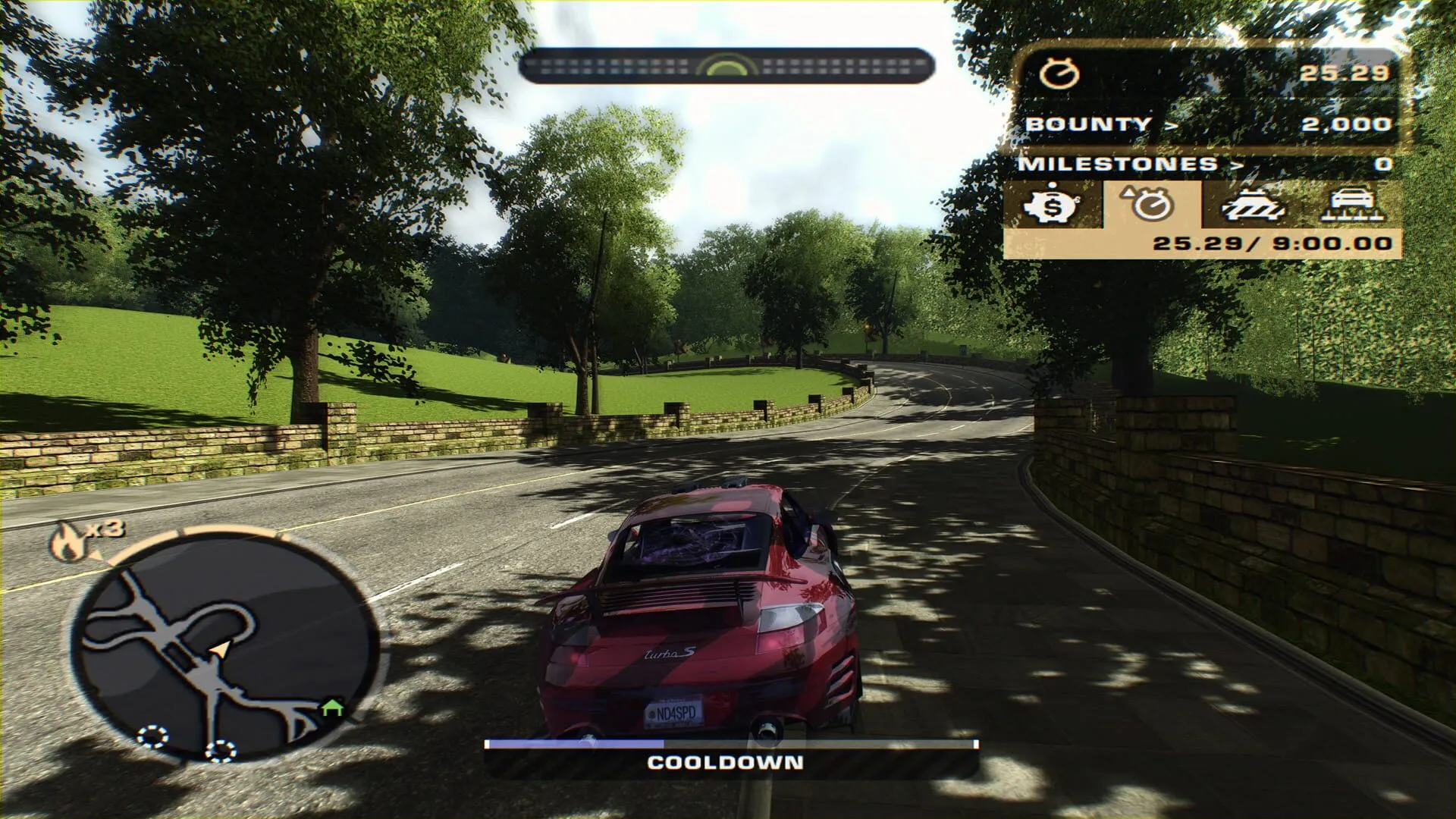 NFS Most Wanted · 6 steps
How to play NFS Most Wanted (2005) on the Steam Deck
Run NFS Most Wanted (2005) on the Steam Deck, online races included: install the free ExA Cup launcher in Desktop Mode, download the game, add it to your Steam library and start it from Game Mode with the controller.
Read the guide
Ready to play?
Get the free ExA Cup launcher, sign in and press Play. Your friends join your voice party with one click.